350
About 350
We’re building a movement that fights for a fairer future for all. We believe in the collective power of ordinary people taking action: we campaign and organize locally and globally to create a world powered by just and accessible renewable energy that will move us away from fossil fuels, for good. And we are doing this with the urgency the climate crisis demands of us. Are you ready to join us?
Take action!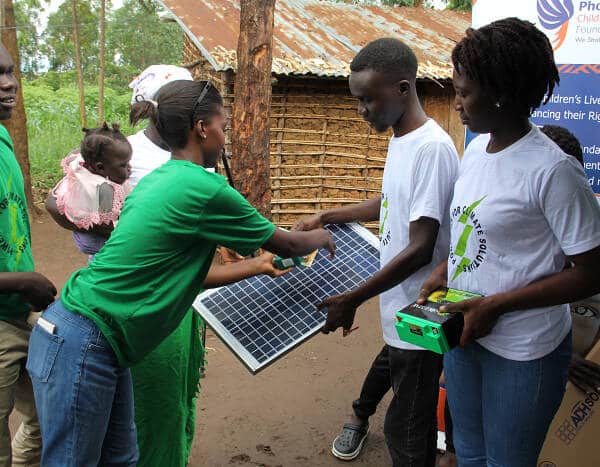
We're shaping a future where:
People are empowered, ordinary people have the tools and training to build a better future and know the pathways they can take to make that happen.
Communities are resilient, renewable energy is produced, consumed and owned within a community, creating jobs and local economic benefits.
Governments and institutions prioritize climate action, implementing policies that reduce emissions and support a transition to renewable energy.
Renewable energy becomes the dominant source of power, lessening the environmental impacts, providing more access to communities and reducing the overall cost to people.
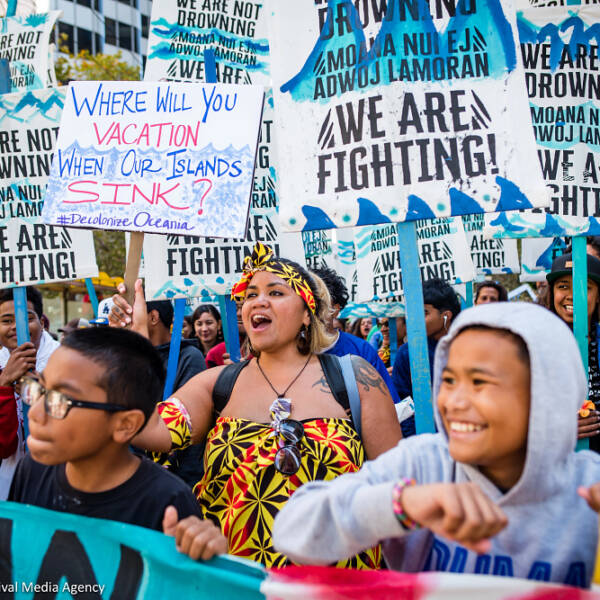
Fossil fuels are kept in the ground to protect both people and the planet.
We are calling for a transformative energy transition that prioritizes people over corporate profit. This means creating local jobs and revenue for communities, lessening environmental impacts and offering more energy access to people in cities and rural areas.
Here's how we get there:
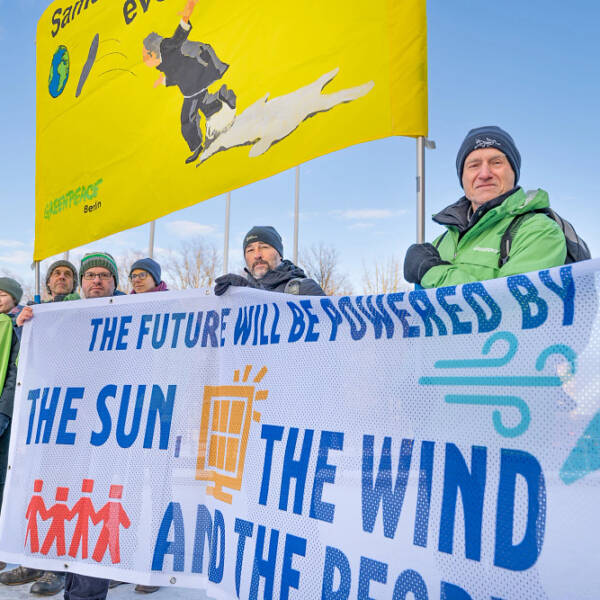
Our strategy is twofold: resisting fossil fuel projects and its enablers, and advocating for a world powered by the sun, wind and people.



Our Impact
We campaign to keep fossil fuels in the ground and accelerate the renewable energy transition in an effort to tackle the climate crisis. We train and empower ordinary people to create local campaigns to ignite a renewable energy revolution. Get involved here!
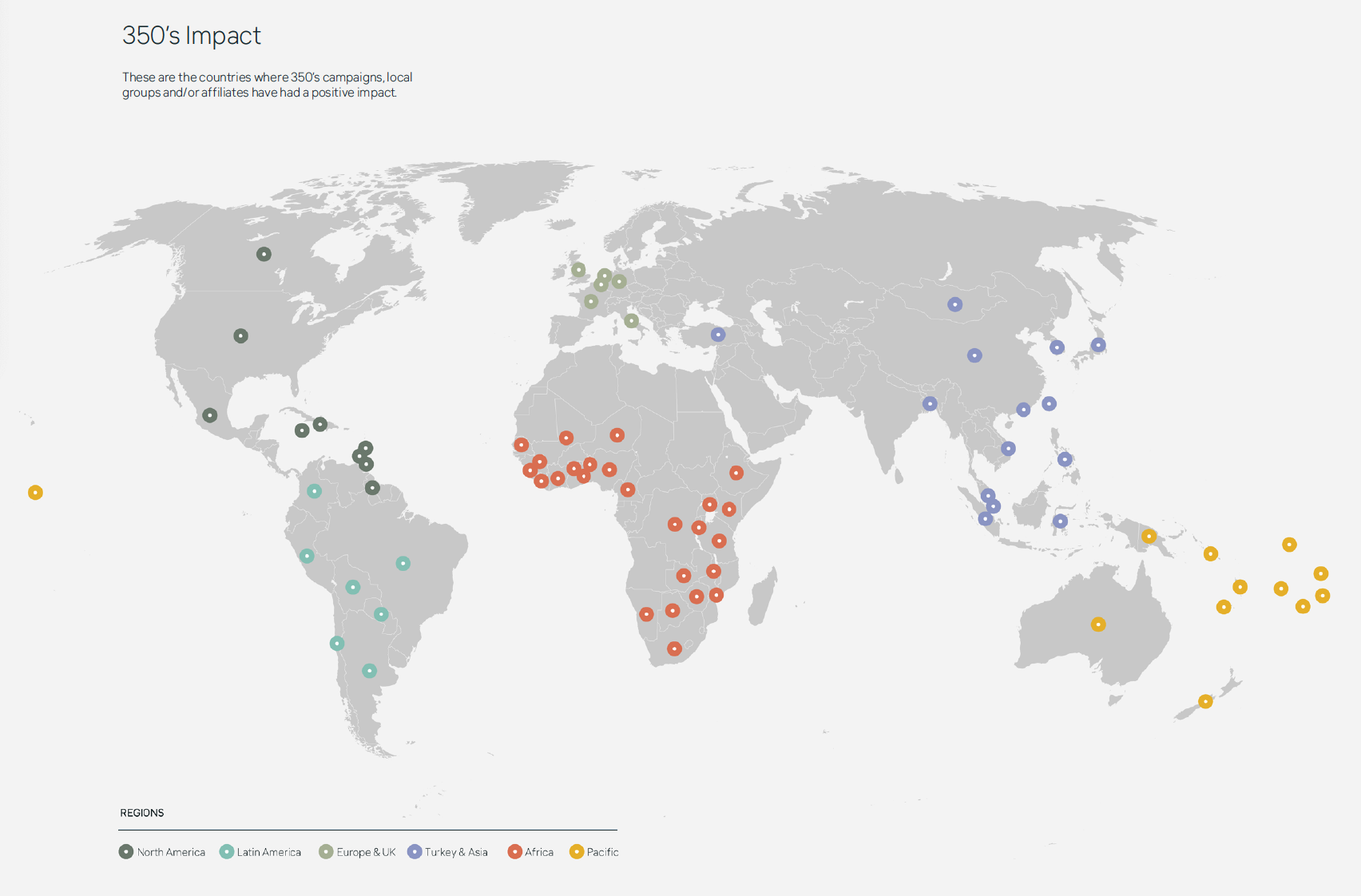
Our biggest strength is our global network, connecting local and national campaigns across the world to confront injustice, challenge our fossil-fueled economic systems and showcase a groundswell of support for renewable energy. See our network of local groups.
Together, we have achieved extraordinary things: training thousands of people to become climate leaders in their own communities, moving trillions of dollars away from the fossil fuel industry, stopping dirty coal, oil and gas projects – and much more! Learn more about our history and wins so far.
campaigns and events led or supported worldwide last year
active local groups all around the world
activists provided with tools and trainings every year
What's in a name?
Ours, 350, is a number. And a very important one. It is a reference to 350 parts per million (ppm) – the concentration of carbon dioxide (CO2) in the atmosphere considered the safe limit to avoid the worst impacts of climate change. We are currently at 425.40 ppm. Our name, 350.org, is a reminder that our fight to stop this number increasing further is more important than ever.

Our People
We are a team of smart, strategic and driven people spread all around the world. We believe that a diverse, equitable, inclusive, and collaborative team brings a variety of approaches to the work we do.
Our Team Work with us
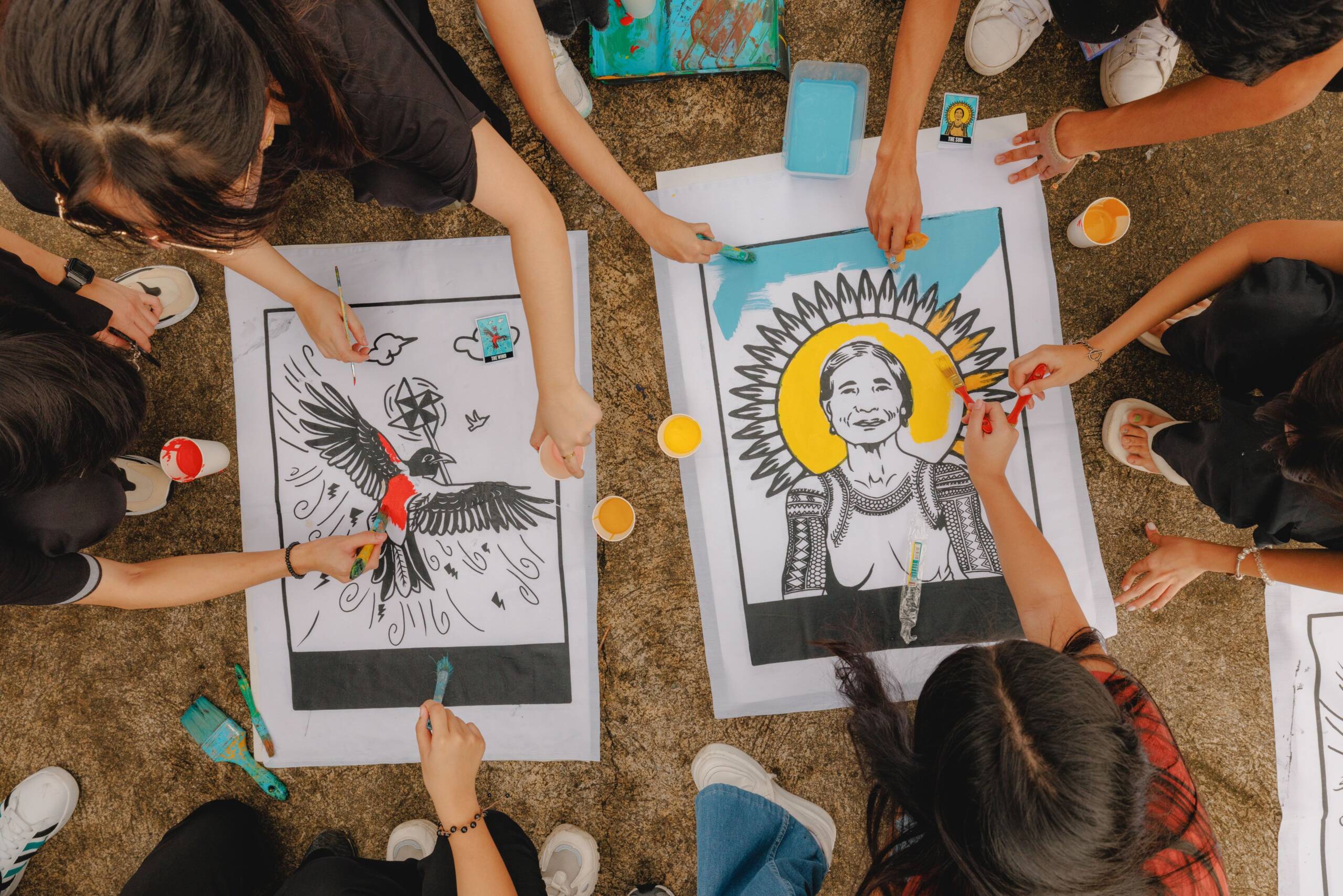
Our Values
We work across languages and continents to form a powerful worldwide network, having justice, collaboration and respect at the forefront of all we do. Our work is grounded in the change we want to see.

We are bold, creative and strategic
The climate crisis is immense – we must be daring and courageous in response. We embrace experiments and new solutions, recognizing that this crisis requires innovative ways of solving problems.

We work for justice
The fight against climate change is a fight for justice. People all over the world are feeling the impacts, but the people suffering most are the ones who have done the least to cause the problem. The work we do – and the ways we do it – has to address that injustice. That means listening to the communities who are getting hit hardest, amplifying the voices that are being silenced, and following the leadership of the people on the frontlines of the crisis.

We care for and trust one another
We take care of ourselves and our communities, honor one another in our non-violent approach to this work, and share that spirit and learning with others. No one has all the answers, so we value the experience and knowledge of our partners and our communities. That’s why we listen to them – so we can learn and evolve together.

We are stronger when we collaborate
The climate crisis is not just an environmental issue, or a social justice issue, or an economic issue – it’s all of those things at once. The only way we will be strong enough to put pressure on governments and stand up to the fossil fuel industry is if we all work together. That means bringing people together and building diverse coalitions – from students, to workers unions, human rights and social justice groups; from marginalized communities and faith groups, to universities, business owners and all those who believe in the need for transformational change.

We are transparent and accountable
To ensure the integrity of our work, we strive to be transparent and open, while respecting everyone’s right to privacy and ensuring people’s safety. We are accountable to each other, to the people and groups we collaborate with, and to those impacted by our work. We strive to honor the relationships we build with each other.
► Help 350.org build a powerful climate movement.
We believe in a safe climate and a better future — a just, prosperous, and equitable world built with the power of ordinary people. Help us get there!